
Photo alarm clock
The trick behind a photo alarm clock is that the thing you have to photograph isn't in your bed. Most of WakeSharp's camera missions send you across the room: to the spot you chose the night before, to a real object, or off to find something blue.
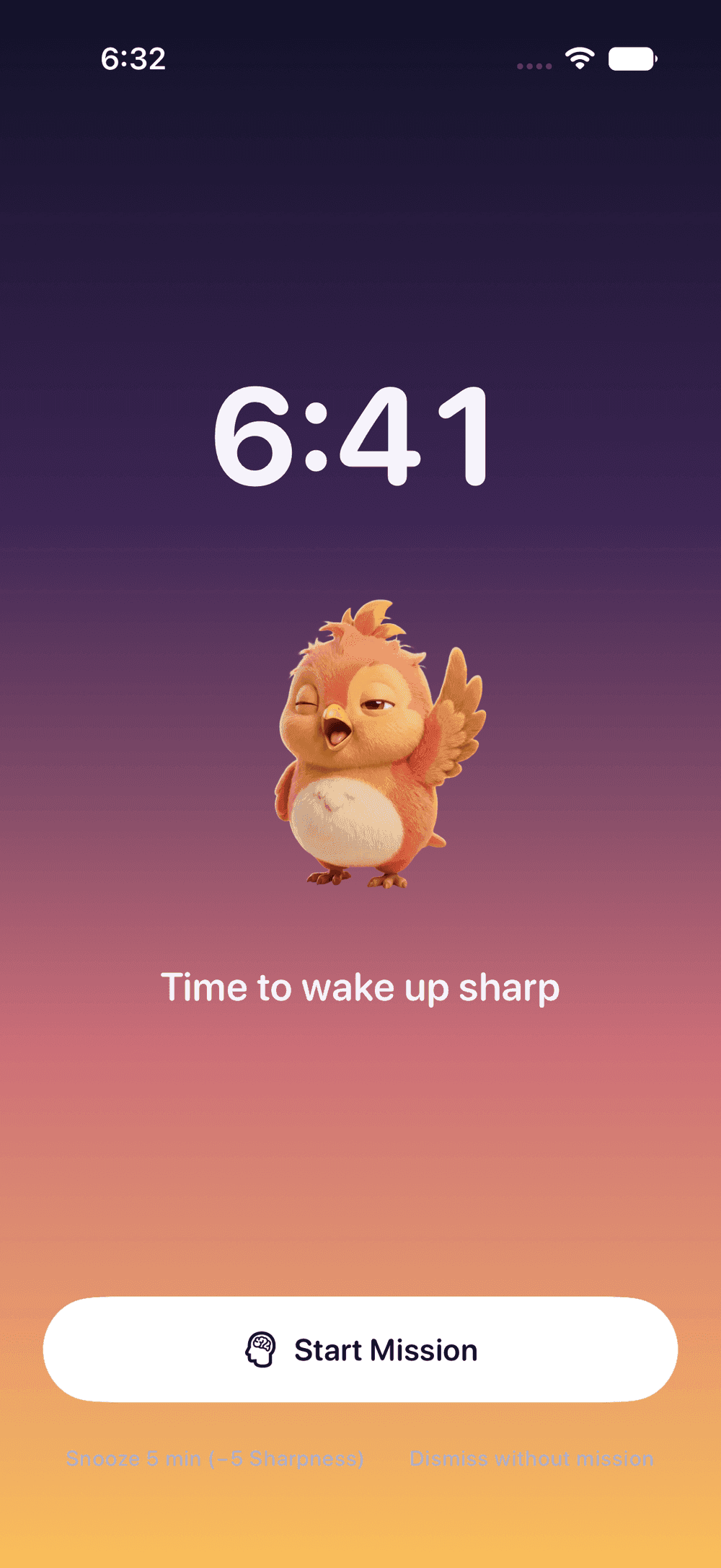


What a photo alarm clock asks of you
A swipe can happen with your eyes shut and your head on the pillow. A photo of something across the room can’t. By the time you have stood up, walked over and lined up the shot, you have used balance, navigation and a little judgment, none of which the half-awake hand that silences alarms brings along.
WakeSharp’s camera missions:
- Photo Proof: retake the photo of the spot you chose the night before.
- Scan an Object: get up and point the camera at a bottle, a mug or a sink.
- Fetch: go and find something blue, or something you drink from.
- Face Check: open your eyes for the camera, then follow the prompt.
- Fruit Slash: slice the fruit out of the air with your finger.
The first three are the classic photo alarm, and they work best when the target isn’t on your nightstand. Keep the mugs in the kitchen. Face Check and Fruit Slash use the front camera and can be done without getting up, so if getting up is the point, they make a better second mission than a first.
How the photo alarm works
- The night before, choose the mission when you build the alarm. For Photo Proof, pick a spot you will have to walk to and take its photo. Scan an Object works with everyday objects, or with a target of your own under My spots & codes.
- When the alarm rings, get up and go. Recognizing objects and matching photos happen on the device, and the privacy policy spells out what each camera mission reads.
- However you quiet the alarm, the morning only counts once the mission is done.
- If the camera can’t run that morning, WakeSharp falls back to a mission that can, so a dead camera doesn’t leave you with an alarm you can’t finish.
Who it suits
- People whose phone sleeps next to them. You have to stand up anyway, so charging the phone across the room stops being a sacrifice and becomes part of the setup. Where your phone spends the night matters more than most people expect.
- Heavy sleepers who wake to find the alarm already dealt with. Walking to the kettle takes more of you than a swipe does.
- Anyone trying to make early mornings a habit. A mission makes one morning harder to negotiate; making the habit stick takes a slower, more boring plan.
What it can’t do
It gets you to the kettle. It can’t stop you walking back to bed, which is why it can be worth following it with a puzzle. Nor is standing up the same as being sharp: no mission is proven to shorten sleep inertia.
Your phone’s own controls always work: nothing stops you switching the phone off. And no app can ring on a phone that is switched off or out of battery, so for anything you can’t afford to miss, set a second alarm on another device.
Questions
Can I use a QR code or a barcode?
Yes, as a target inside Scan an Object. Under My spots & codes you can photograph a place, or register a QR or barcode you stick somewhere, like the bathroom mirror, and an alarm can then ask for that specific target. It is a target for that mission, not a mission of its own.
Do I have to give WakeSharp camera access?
Only for the missions that need it, and only while one of them is running or while you are setting it up. Decline the permission and every mission that doesn't need the camera still works.
Where should I set up my Photo Proof spot?
Somewhere you have to stand up and walk to, that will look the same in the morning: the kettle, the front door or the bathroom mirror are good candidates. A pile of laundry is not.
Related reading
Questions about this page? Email support@wakesharp.app.