
Scan an Object alarm
Last updated 28 September 2026
Scan a real object when your alarm rings. Choose a bottle, mug or sink, point the camera at it, and look for the green match confirmation.
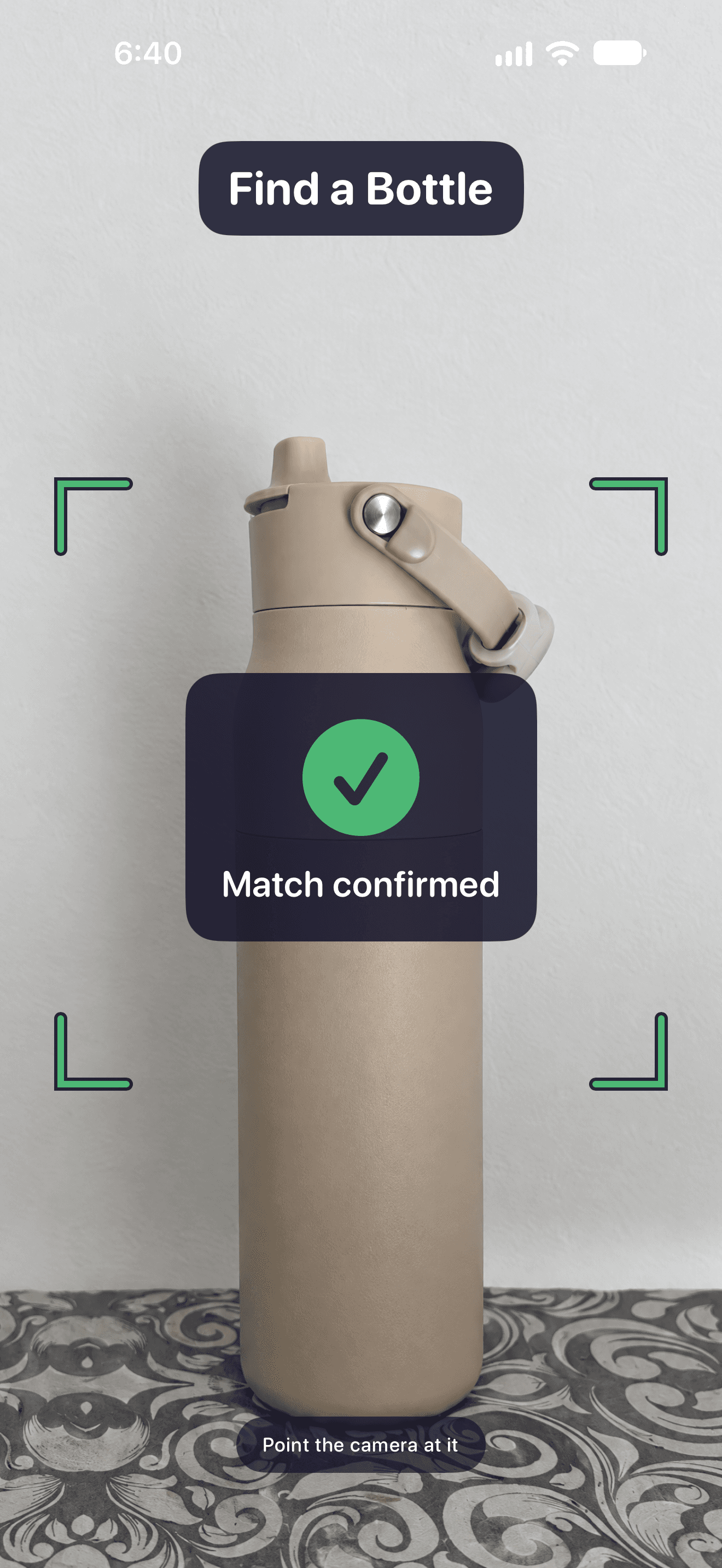
Choose a target such as a bottle, mug or sink. When the alarm rings, point the camera at that object. The green match confirmation tells you when WakeSharp has recognised it. Object recognition runs on your phone.
How to use it
- Choose Scan an Object in the mission picker and select a target.
- Put the target somewhere you can reach safely after getting up.
- Point the camera at it in good light. Hold it steady until the match turns green.
What to check
No WakeSharp account is required. Optional sign-in with Apple or Google backs up alarms, history, preferences and small photo-target thumbnails. Camera matching and calendar processing happen on your device. Calendar event content stays there. Read the privacy policy for the full details.
Explore the other features
- Loud alarm tones
- Math alarm clock
- Puzzle alarm clock
- Photo alarm clock
- Walking alarm clock
- Calendar alarm clock
- Alarm clock for shift workers
- WakeSharp Sharpness Score
Available on the App Store and Google Play
Questions about this page? Email support@wakesharp.app.