
Tips & Tricks
iPhone Alarm Didn't Go Off? The 7 Real Causes
31 August 2026 · 12 min read
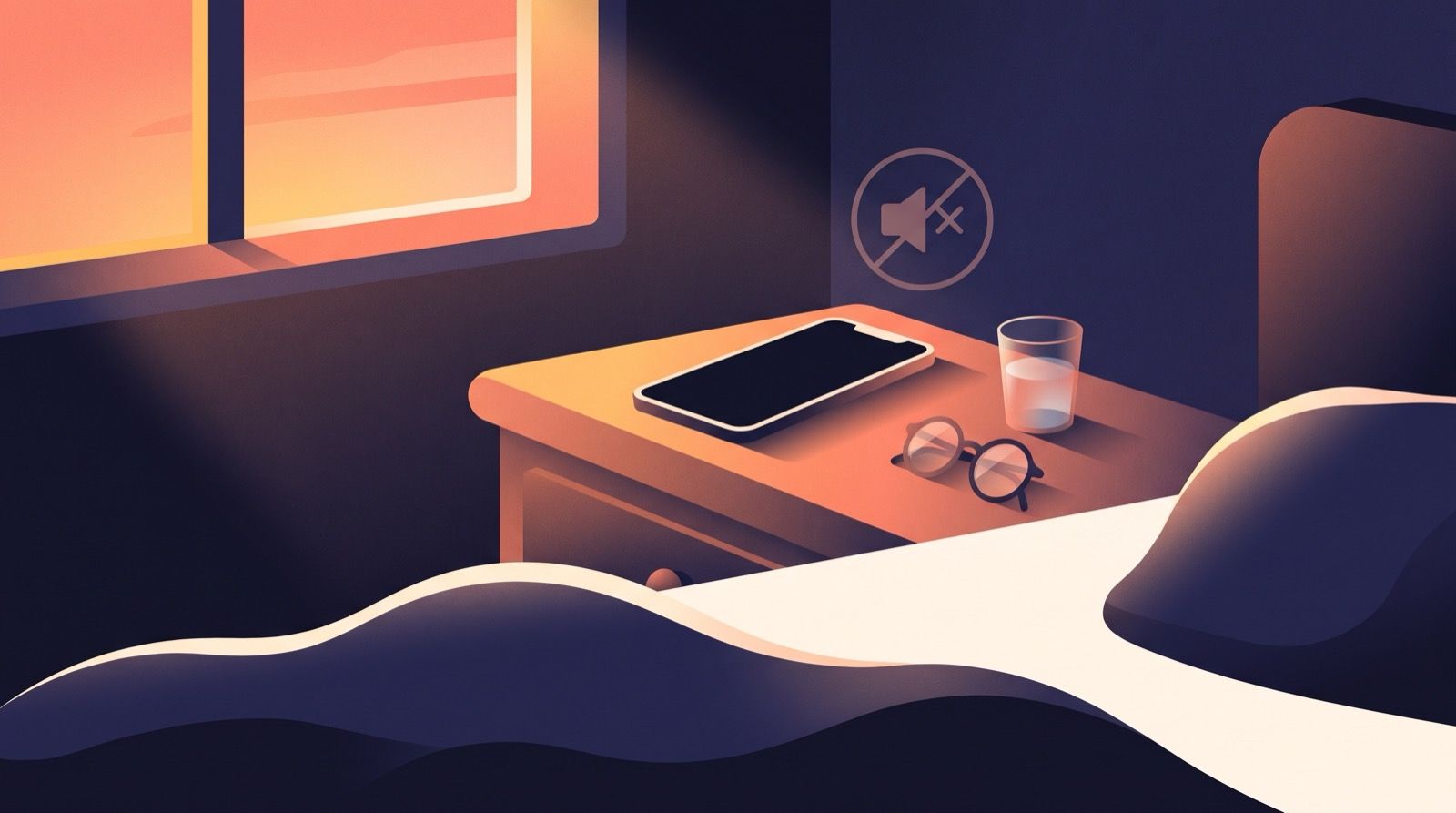
You woke at 8:40. The call is at 9:00. You reach for the phone and the alarm is still sitting there in the Clock app, set for 7:00, still switched on, exactly where you left it. Nothing looks broken. Nothing explains anything.
That is the part that stings. A missed alarm arrives with no evidence, so the only thing left standing in the room to blame is your own character.
Almost always, it is not that. Between “the alarm fires” and “a sound loud enough to cross the room comes out of the speaker” there are roughly a dozen independent switches on an iPhone, and not one of them announces itself. Last night, one of them was in the wrong position.
Here are the seven causes that account for most missed alarms, roughly in the order they turn out to be the answer. Each takes under a minute to check. Some leave evidence you can still find this morning. Some leave none at all, and I will say so where that is true.
The seven real causes
1. Alarm volume is not the volume you have been adjusting
An iPhone keeps two volumes. Media volume covers music, video and podcasts. Ringtone and alerts volume covers the ringer, notification sounds and alarms. They move independently, and the physical buttons usually only touch the first one.
So the podcast you turned up at midnight did nothing for your alarm. And if you have “Change with Buttons” switched on, a long press of the volume-down button in a quiet cinema can drag your alarm close to inaudible without ever showing you an alarm-shaped warning.
Check it now: Settings > Sounds & Haptics, then look at the slider under Ringtone and Alerts. Drag it and the phone plays a sample at that level, which is the honest test. Apple lists this first in its own alarm troubleshooting, which tells you how often it is the answer.
The fix: set the slider deliberately, then turn off Change with Buttons on the same screen so a stray press cannot drain it again. Your volume buttons will then only move media, which is a small price.
This one is provable after the fact. If you find the slider near the bottom this morning, you have your cause.
2. The alarm’s sound is set to None, or to a vibration with no tone
Every alarm carries its own sound, chosen per alarm rather than globally. “None” is a real option, sitting one tap above the list of tones, and it is easy to land on while scrolling a long list at 11pm.
An alarm set to None still fires. It still lights the screen, still shows the Stop button, still counts as an alarm that went off. It simply makes no noise. Set to vibration only, it buzzes into a mattress that absorbs almost all of it.
Check it now: Clock > Alarms > Edit, tap the alarm, then tap Sound. Apple documents that exact path for alarms that only vibrate. While you are there, look at the haptic setting too: sound None plus haptics off is a silent alarm by design.
The fix: pick a tone with a hard, abrupt start rather than a soft ramp. A melody that eases in is a melody your sleeping brain can absorb into a dream.
3. Attention Aware Features saw your face and turned the volume down
This is the one people find hardest to believe, and it is documented behaviour rather than folklore. On Face ID iPhones, the TrueDepth camera checks whether you are looking at the device, and when it decides you are, it lowers the volume of some alerts. The intent is civilised: no blaring when you are already looking.
Now put the phone on the nightstand, screen up, angled toward the pillow. You sleep on your back. The alarm starts at full volume, the camera resolves a face pointed at the screen, and the volume drops to something you can sleep straight through.
This feature was widely blamed during the wave of silent-alarm reports in spring 2024. Apple confirmed to TechCrunch that it was aware of an alarm problem and working on a fix, but never said Attention Aware was the cause. Fair enough. The feature still does exactly the thing people describe, on purpose, every night.
Check and fix: Settings > Face ID & Passcode, then turn off Attention Aware Features. The same switch also appears under Settings > Accessibility > Face ID & Attention. The cost is that your display dims sooner and lock screen notification previews stop waiting for your eyes.
Be honest about this one: it leaves no log. You cannot prove it caused this morning. You can only remove it from the list.
4. The alarm was never armed for this morning
A one-time alarm switches itself off after it rings. If you set 7:00 on Thursday, tapped Stop, and assumed it would carry into Friday, it did not, and the switch you are staring at now may simply have been off all night.
The neighbouring versions: repeat days that do not include today, a 7:00 that is quietly PM, or a second alarm you have been trusting that was never the one doing the work.
There is a calendar-shaped version too. Apple has shipped daylight saving bugs more than once where the system clock moved and existing alarms did not move with it, so people woke an hour late on a morning nobody wanted to be late on.
Check it now: Clock > Alarms, and read the small grey line under each time. “Every weekday” and “Tomorrow” mean different things. No line at all means one-time.
The fix: use repeating alarms for anything recurring, and on the two clock-change weekends each year, open the Clock app the night before and read the times rather than trusting them.
This one is provable, and it is the single most common answer.
5. The phone was off, flat, or mid-restart
No app can ring a phone that has no power. A device that reaches 0% at 3am is not running an alarm at 7:00, and neither is one plugged into a cable that was not quite seated, a charger on a switched-off socket, or a battery case that stopped working weeks ago.
An overnight software update is the subtler version. The phone reboots, and while a locked iPhone rings alarms perfectly well, a phone still working through a restart is not the same as a phone that is on and waiting.
Check it now, this morning: Settings > Battery. The last 24 hours graph shows the flat line and the moment charging resumed. That is real evidence, and it settles the question in about five seconds.
The fix is unglamorous. Confirm the charge before bed, and keep a second alarm on a different device for anything you genuinely cannot be late for.
6. Your alarm is a Wake Up alarm, which is a different alarm
If your morning alarm came from a sleep schedule rather than from the Clock app’s alarm list, it is a separate object with separate settings. A wake-up alarm attached to a sleep schedule is edited in Health, and carries its own sound, its own volume and its own haptics.
Which means two alarms on the same iPhone, set minutes apart, can ring at completely different volumes, and adjusting one tells you nothing about the other. People change the Clock alarm’s volume, sleep through the wake-up alarm the next day, and reasonably conclude the phone is haunted.
Check it now: Clock > Alarms, then the Sleep | Wake Up row at the top, then open it in Health and look at the Alarm section for Sound & Haptics and the alarm volume slider.
The fix: set that volume deliberately, or retire the wake-up alarm and use a plain Clock alarm, so there is only one thing to reason about at 11pm.
7. You turned it off, and you do not remember doing it
Waking is not a switch. Sleep inertia is a measurable state in which features of sleep persist past the moment of awakening, with real performance impairment, and it is at its worst when you are pulled up out of the biological night (Trotti, Sleep Medicine Reviews, 2017). Enough of you comes online to find the phone and swipe. Not enough comes online to file a memory of it.
The tells are on the phone. An alarm you are certain you never touched, now switched off. A snooze that ran out. A first unlock at 7:02 in Screen Time on a morning you swear you woke at 8:40. Something with your hands did that.
This is the one cause on the list that no setting fixes, because nothing was misconfigured. We wrote a whole piece on the mechanism and what actually helps in why you sleep through alarms you don’t remember dismissing, and on the grogginess itself in sleep inertia. The short version: distance between you and the phone, and a wake-up that requires more of you than a swipe.
What about Silent mode, Bluetooth and the case?
Three popular suspects deserve to be cleared or convicted properly.
Silent mode and Do Not Disturb are the biggest myth in this whole category. Apple states plainly that Do Not Disturb, the Ring/Silent switch and Silent mode do not affect the alarm sound for Clock alarms. If your alarm was silent, the switch on the side of your iPhone was almost certainly not why.
Bluetooth is nearly as overrated. The same Apple page says the alarm plays through the iPhone’s built-in speakers as well as connected headphones. Worth ten seconds of checking, unlikely to be your answer.
Physical muffling is real but modest: face down on a duvet, under a pillow, or a thick case covering the bottom speaker grille. Move the phone onto a hard surface with the speaker clear and you get most of that back.
And sometimes it genuinely is a bug, and none of this is your fault. The 2024 reports were widespread enough that Apple acknowledged them. In January 2025 the same silent-alarm reports surfaced again, with no acknowledgement that time. That category is Apple’s to fix, and your only real defence against it is the same defence you have against a dead battery: a second alarm, on a different device.
Where WakeSharp fits
Every cause above shares one shape. The phone knew, hours in advance, that the conditions were wrong. It just had no reason to mention it.
That is the job of WakeSharp’s reliability check, which is free and lives at Settings > Alarm reliability. It reads the conditions on your phone that can stop an alarm: permissions, alarm volume, notification settings, lock-screen takeover, battery restrictions. It leads with a plain verdict rather than a promise, and where the platform will not tell it something, it says so instead of showing you a reassuring green tick. If an alarm does fail, it can often name the provable cause afterwards, or admit that it could not work it out.
On iPhone, WakeSharp rings through Apple’s AlarmKit, so once you have granted alarm permission the alarm sounds through Silent mode and Focus the way the Clock app does. That permission is the whole foundation: decline or revoke it and WakeSharp cannot schedule an alarm at all, which is exactly what the reliability check will tell you first.
For cause number seven, missions are the point. The alarm rings and full credit needs Mind Games (three arithmetic problems) or Photo Proof (photograph the day’s rotating prompt), with Memory Match, Sequence Recall, Scan an Object, Walk It Off and Surprise Me on Plus. The Stop button always works, on both platforms. What changes is that dismissing an alarm now requires enough of you to be awake to notice you are doing it. Your alarm rings free, forever, and Plus is ad-free.
The limit is the honest one, and it is the same limit every alarm app has: WakeSharp is not a medical device, your phone’s settings, battery restrictions or power state can prevent any alarm from sounding, and you should use a second, independent alarm for anything you cannot afford to be late for.
FAQ
Why did my iPhone alarm not go off? In order of likelihood: the ringtone and alerts volume was low, the alarm’s sound was set to None, Attention Aware Features quieted it, the alarm was not armed for today, the phone was off or flat, the wake-up alarm from your sleep schedule had its own quieter volume, or you dismissed it while barely awake. Check the Ringtone and Alerts slider and the alarm’s Sound setting first, because those two account for most of it.
Does the iPhone alarm ring on silent? Yes. Apple is explicit that Silent mode, the Ring/Silent switch and Do Not Disturb do not affect a Clock alarm’s sound, and a Focus mode does not mute it either. If your alarm was silent, look at the volume slider and the alarm’s own sound setting instead.
Why is my iPhone alarm so quiet? Usually one of three things: the Ringtone and Alerts slider is low, Change with Buttons let a volume press drain it, or Attention Aware Features lowered the volume because the front camera saw you looking at the screen. A sleep schedule wake-up alarm also has its own volume slider in Health, separate from everything else.
Can Attention Aware Features make my alarm quieter? Yes, and Apple documents it: when the TrueDepth camera detects that you are looking at your device, it lowers the volume of some alerts. Sleeping face up with the phone angled toward you is enough to trigger it. Turn it off in Settings > Face ID & Passcode if a loud alarm matters more to you than a display that waits for your eyes.
- iphone
- alarm-troubleshooting
- ios